This is a sample module published to the sidebar_top position, using the -sidebar module class suffix. There is also a sidebar_bottom position below the menu.
This is a sample module published to the sidebar_bottom position, using the -sidebar module class suffix. There is also a sidebar_top position below the search.
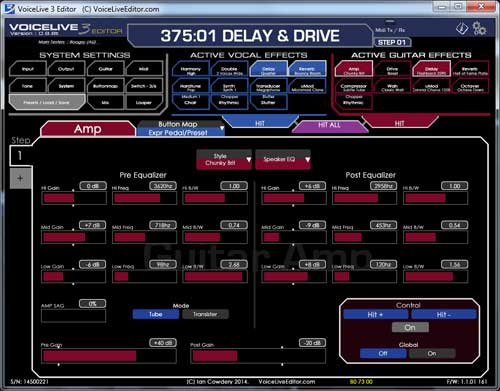
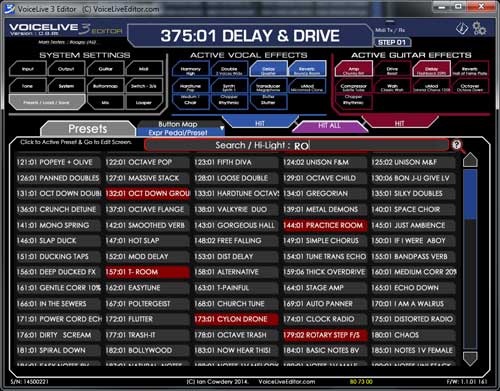
Any Adjustments in the Editor are immediately in effect on the VoiceLive 3.
Any adjustment you make on the VoiceLive 3 are duplicated on the editor.
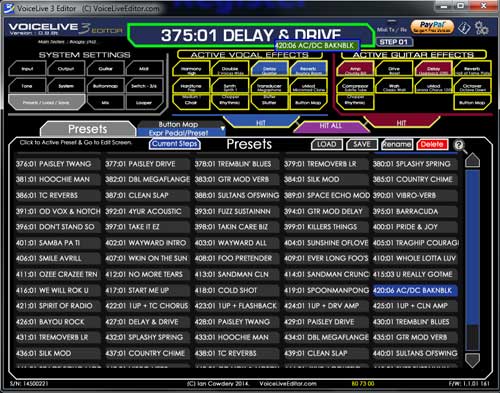
You can change presets on the VoiceLive 3, and immediately edit the paramaters for that preset with the Editor.
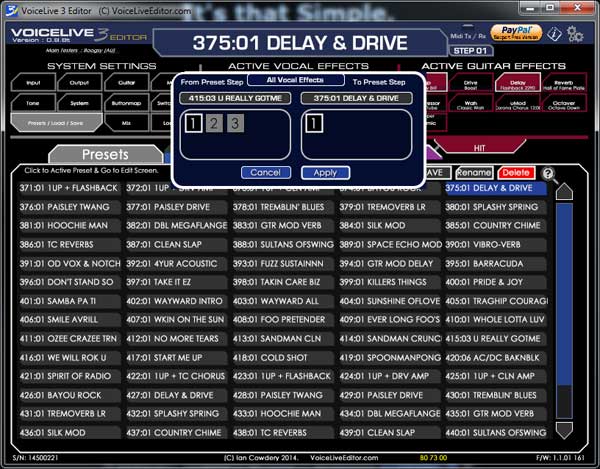
You can copy steps from other presets into the preset your editing. You can copy either an individual effect, or entire vocal/guitar from within a preset to your current preset. making Preset Designing a Breeze.
Plus you can adjust the Genre TAGS of your presets, to allow you to create a pseudo setlist by filtering by Genre on your VoiceLive 3 when using Live
You just install the new version over your existing installation.
EU e-Privacy Directive
EU e-Privacy Directive
This website uses cookies to manage authentication, navigation, and other functions. By using our website, you agree that we can place these types of cookies on your device.

 Download VoiceLive 3 Editor Free Version MacOS